Loading project Things
README.mdView source
Tulip Creative Computer - a portable programmable music and graphics synthesizer
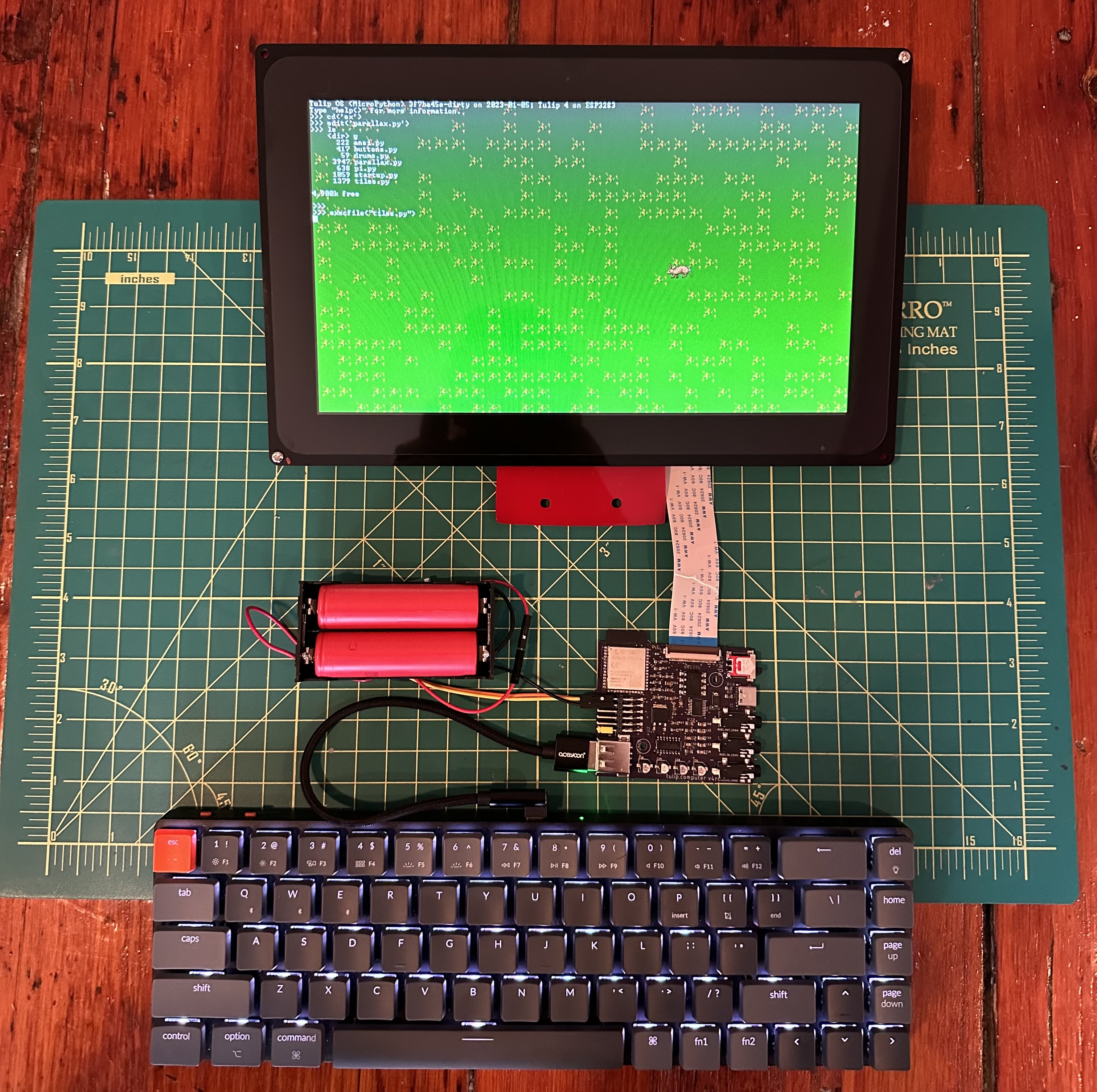
Welcome to the Tulip Creative Computer (aka Tulip, aka Tulip CC.)
Tulip is a self contained portable music and graphics synthesizer, with a display and keyboard and sound. It's fully programmable - you write code to define your music, games or anything else you can think of. It boots instantaneously into a Python prompt with a lot of built in support for music synthesis, fast graphics and text, MIDI and external sensors. Dive right into making something without distractions or complications.
The entire system is dedicated to your code, the display and sound, running in real time, on specialized hardware. The hardware and software are fully open source and anyone can build one or buy the parts needed to get one. You can use Tulip to make music, code, art, games, or just write.
- Just got a Tulip? Check out our getting started guide!
- See the full Tulip API
- Get or build your own Tulip
- You can read more about the "why" or "how" of Tulip on my website!
- Any questions? Chat with us on our discussions page.
 Chat about Tulip on our Discord!
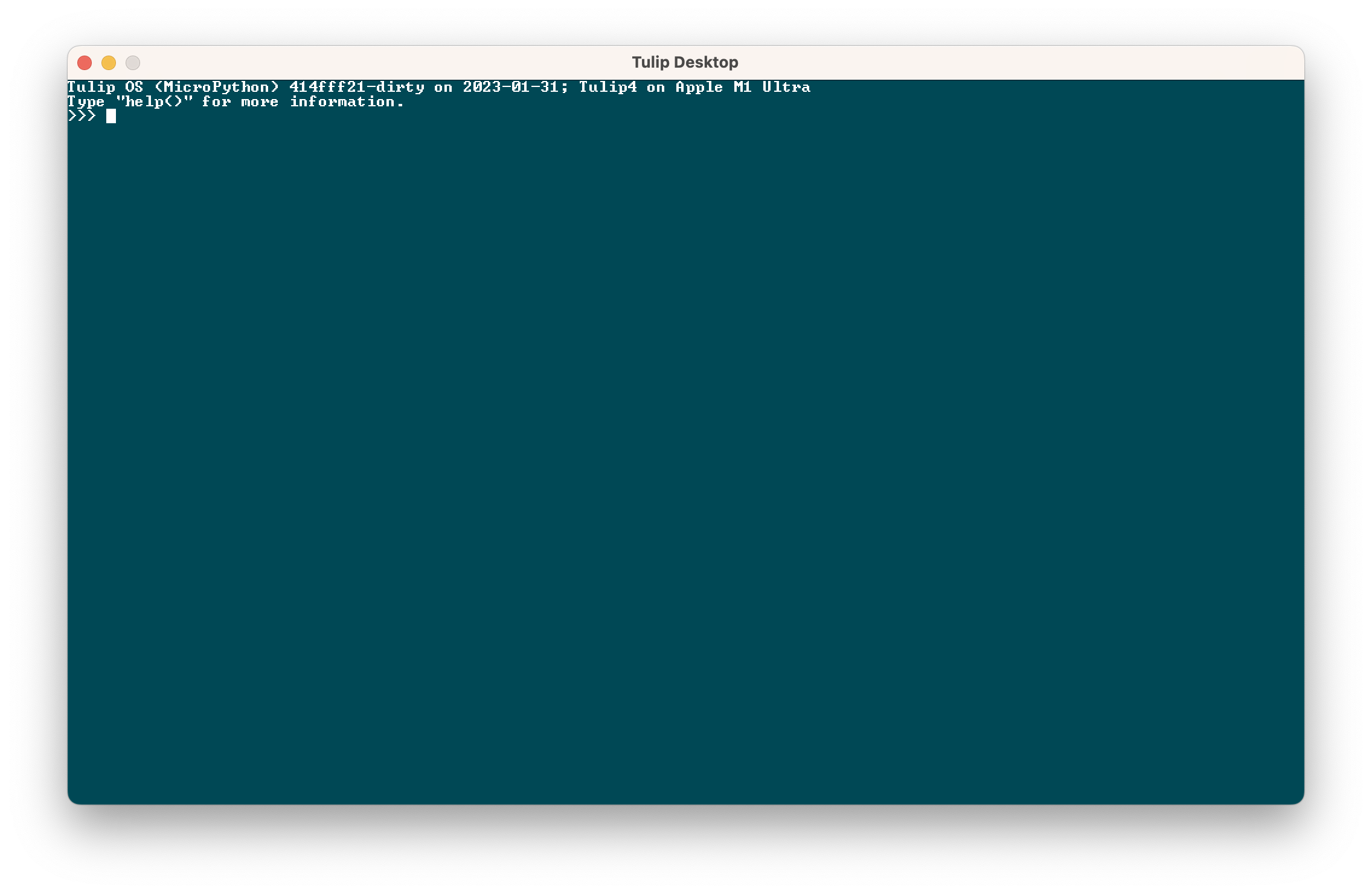
Tulip is available both as an off the shelf or DIY hardware project (Tulip CC) and a desktop simulator app (Tulip Desktop.) They both have all the same features. I use Tulip Desktop while developing Tulip, but use the hardware Tulip CC when making things! If you're nervous about getting or building the hardware, download or build the desktop version!
You can build your own Tulip CC for about $25 plus the cost of a display ($50) and USB keyboard. The hardware for revision 4 of Tulip CC is based on the ESP32-S3 dual core microcontroller running at 240MHz. This single inexpensive chip can support all of Tulip's functionality at low power use. It can last on any USB battery pack or LiPo battery for many hours. The display we use is a 10.1" 1024 x 600 RGB dot clock color LCD with capacative touch support. Tulip's sound system is a full featured 64-voice synthesizer with a stereo line-out / headphone jack. You can use speakers or other connectors instead.
Tulip CC rev 4 supports:
- 8.5MB of RAM
- 32MB flash storage, as a filesystem accesible in Python (24MB left over after OS in ROM)
- An AMY stereo 64-voice synthesizer engine running locally or as a wireless controller for an Alles mesh. Tulip's synth supports additive oscillators, an excellent FM synthesis engine, samplers, karplus-strong, filters, and much more.
- Text frame buffer layer, 128 x 50, with ANSI support for 256 colors, inverse, bold, underline, background color
- Up to 32 sprites on screen, drawn per scanline, with collision detection, from a total of 32KB of bitmap memory (1 byte per pixel)
- A 2048x750 background frame buffer to draw arbitrary bitmaps to, or use as RAM, and which can scroll horizontally / vertically
- WiFi, access http via Python requests or TCP / UDP sockets
- Adjustable display clock and resolution, defaults to 30 FPS at 1024x600.
- 256 colors
- Can load PNGs from disk to set sprites or background, or generate bitmap data from code
- Built in code and text editor
- Built in BBS chat room and file transfer area called TULIP ~ WORLD
- USB keyboard support
- Capactive multi-touch support (mouse on Tulip Desktop)
- MIDI input and output
- 575mA power usage @ 5V including display, at medium display brightness, can last for hours on LiPo, 18650s, or USB battery pack
I've been working on Tulip on and off for years over many hardware iterations and hope that someone out there finds it as fun as I have, either making things with Tulip or working on Tulip itself. I'd love feedback, your own Tulip experiments or pull requests to improve the system.

T-Deck Tulip CC

A new easy mode option, too, get yourself a T-Deck and install Tulip CC on it directly! Check out our T-Deck page for more detail.
Getting started
Once you've built a Tulip or installed Tulip Desktop, you'll see that Tulip boots right into a Python prompt and all interaction with the system happens there. You can make your own Python programs with Tulip's built in editor and execute them, or just experiment on the Tulip REPL prompt in real time.
See the full Tulip API for more details on all the graphics, sound and input functions.
Below are a few getting started tips and small examples. The full API page has more detail on everything you can do on a Tulip.
# Run a saved Python file. Control-C stops it
cd('ex') # The ex folder has a few examples and graphics in it
execfile("parallax.py")
# If you want to run a Tulip package (folder with other files in it)
run("game")
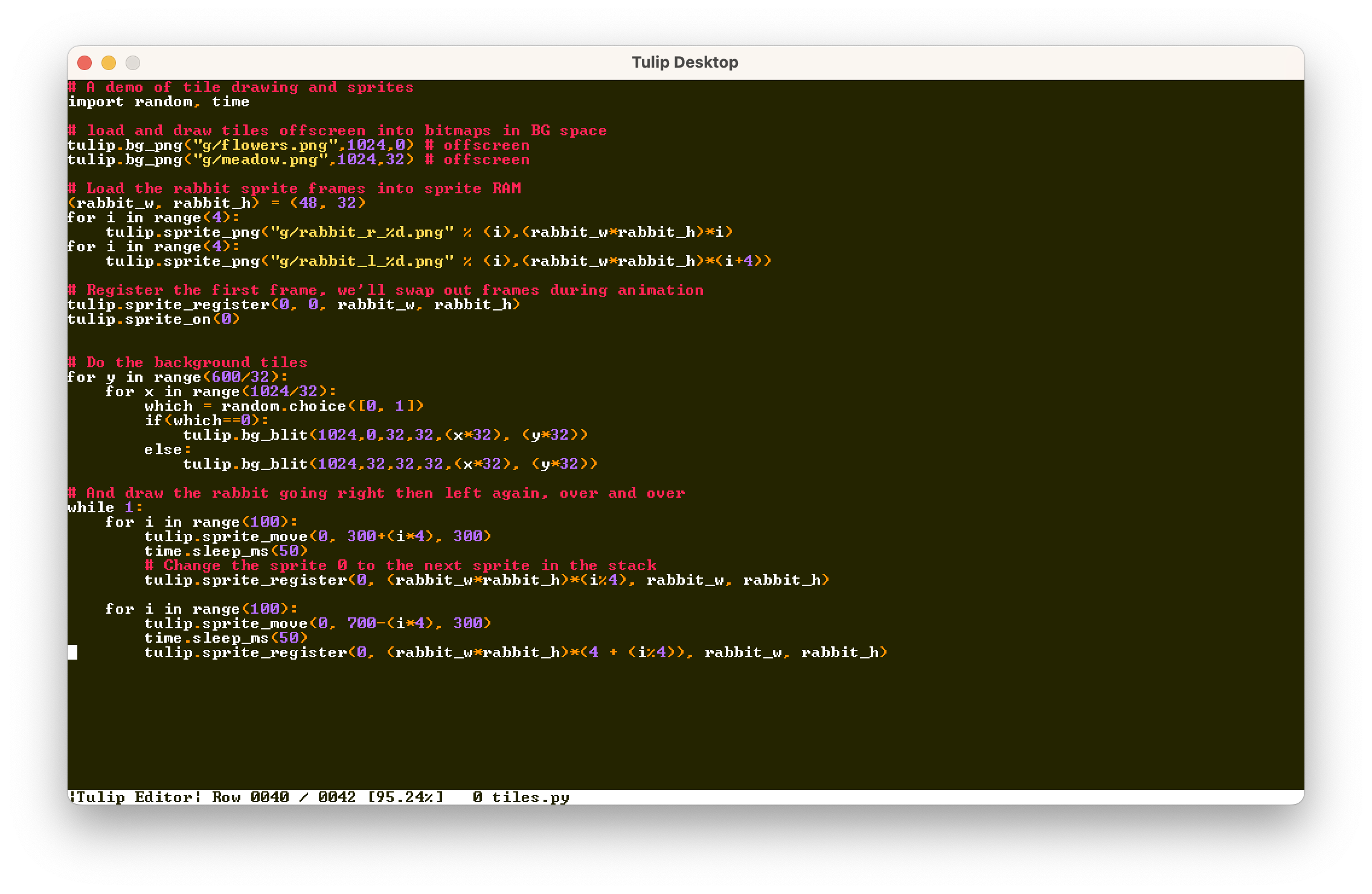
The Tulip Editor
Tulip ships with a text editor, based on pico/nano. It supports syntax highlighting, search, save/save-as.
# Opens the Tulip editor to the given filename.
edit("game.py")
Input and user interface
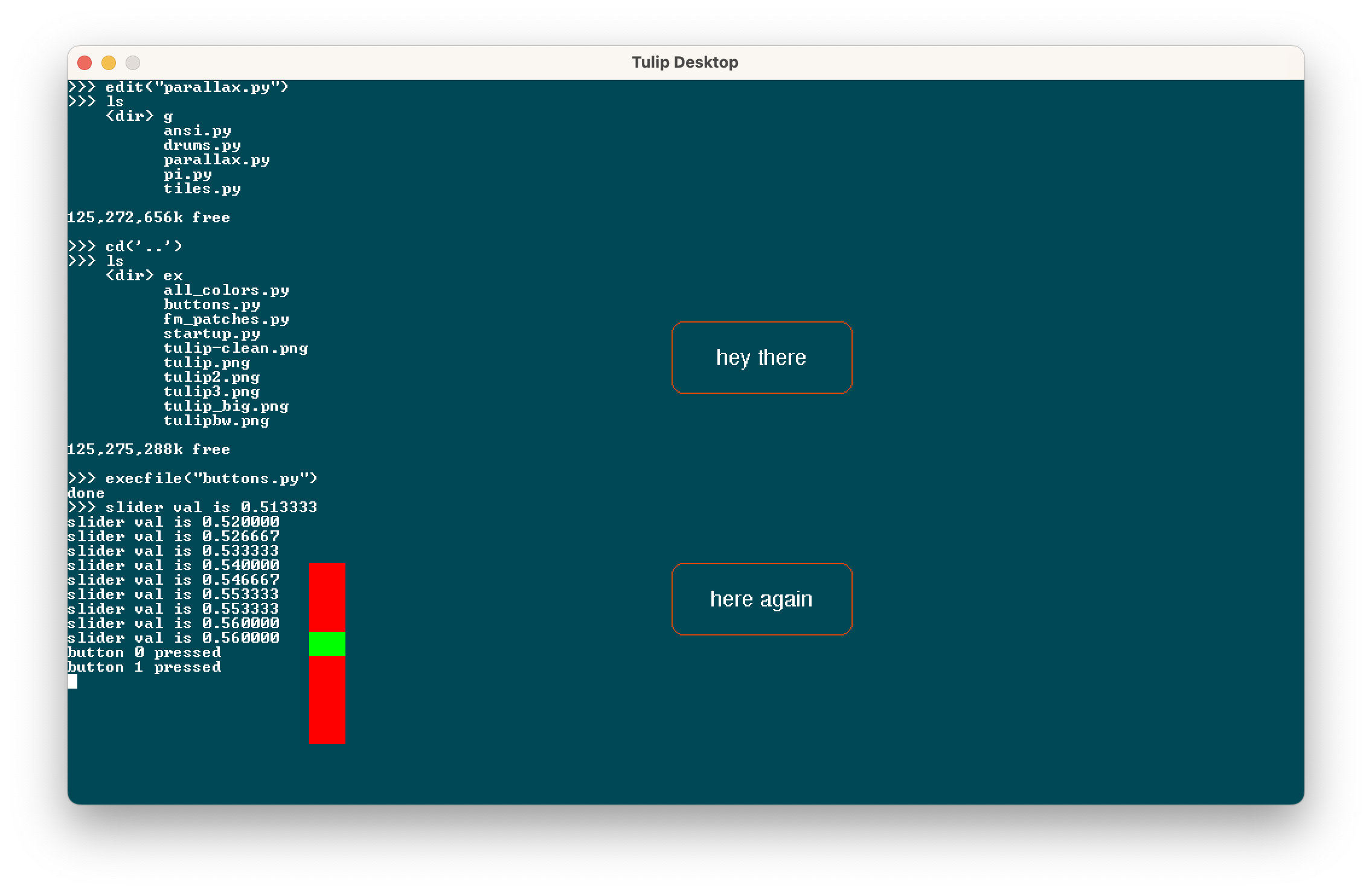
Tulip supports USB keyboard input and touch input. (On Tulip Desktop, mouse clicks act as touch points.) It also comes with UI elements like buttons and sliders to use in your applications. More in the full API.
tulip.ui_callback(ui_callback)
tulip.button(ui_element_id, "Button text", x, y, w, h, radius, bg_pal_idx, fg_pal_idx, filled)
tulip.slider(ui_element_id, x, y, w, h, orientation, default_value, bg_pal_idx, handle_pal_idx)

(x0, y0, x1, y1, x2, y2) = tulip.touch()
Network
Tulip CC has the capability to connect to a Wi-Fi network, and Python's native requests library will work to access TCP and UDP. We ship a few convenience functions to grab data from URLs as well. More in the full API.
# Join a wifi network (not needed on Tulip Desktop)
tulip.wifi("ssid", "password")

# Get IP address or check if connected
ip_address = tulip.ip() # returns None if not connected

# Save the contents of a URL to disk (needs wifi)
bytes_read = tulip.url_save("https://url", "filename.ext")
Music / sound
Tulip comes with the AMY synthesizer, a very full featured 120-oscillator synth that supports FM, PCM, additive synthesis, partial synthesis, filters, and much more. We also provide a useful "music computer" for scales, chords and progressions. More in the full API. Tulip's version of AMY comes with stereo sound, which you can set per oscillator with the pan parameter.
amy.drums() # plays a test song
amy.volume(4) # change volume
amy.reset() # stops all music / sounds playing
https://user-images.githubusercontent.com/76612/215893940-658144b7-0c6f-42e2-9836-bd271597aab3.mov
MIDI
Tulip supports MIDI in and out to connect to external music hardware. You can set up a python callback to respond immediately to any incoming MIDI message. You can also send messages out to MIDI out. More in the full API.
m = tulip.midi_in() # returns bytes of the last MIDI message received
tulip.midi_out((144,60,127)) # sends a note on message
tulip.midi_out(bytes) # Can send bytes or list
Graphics system
The Tulip GPU supports a scrolling background layer, hardware sprites, and a text layer. Much more in the full API.
# Set or get a pixel on the BG
pal_idx = tulip.bg_pixel(x,y)

# Set the contents of a PNG file on the background.
tulip.bg_png(png_filename, x, y)

tulip.bg_scroll(line, x_offset, y_offset, x_speed, y_speed)
https://user-images.githubusercontent.com/76612/215895305-7b02ad27-b02a-429a-92ef-f13136e9f9d2.mov
Hardware sprites are supported. They draw over the background and text layer per scanline per frame:
(w, h, bytes) = tulip.sprite_png("filename.png", mem_pos)

...

# Set a sprite x and y position
tulip.sprite_move(12, x, y)
https://user-images.githubusercontent.com/76612/215896311-fc0823aa-44bc-4305-85db-a6773db11a98.mov
Tulip World
Still very much early days, but Tulip supports a native chat and file sharing BBS called TULIP ~ WORLD where you can hang out with other Tulip owners. You're able to pull down the latest messages and files and send messages and files yourself. More in the full API.
import world
world.post_message("hello!!") # Sends a message to Tulip World. username required. will prompt if not set
world.upload(filename) # Uploads a file to Tulip World. username required
world.ls() # lists most recent unique filenames/usernames
How to build, compile and help develop Tulip
- See our new page that describes how to build your own Tulip Creative Computer with FOUR different options.
- How to compile and flash Tulip hardware
- How to run or compile Tulip Desktop
- The full Tulip API
- File any code issues or pull requests!
Two important development guidelines if you'd like to help contribute!
- Be nice and helpful and don't be afraid to ask questions! We're all doing this for fun and to learn.
- Any change or feature must be equivalent across Tulip Desktop and Tulip CC. There are of course limited exceptions to this rule, but please test on hardware before proposing a new feature / change.
Have fun!