Loading files
This file is pinned to the selected release. Download the original to open it in your design tool.
223ad7f28This file is pinned to the selected release. Download the original to open it in your design tool.
## Tapster - Mobile Automation Robot
<span>
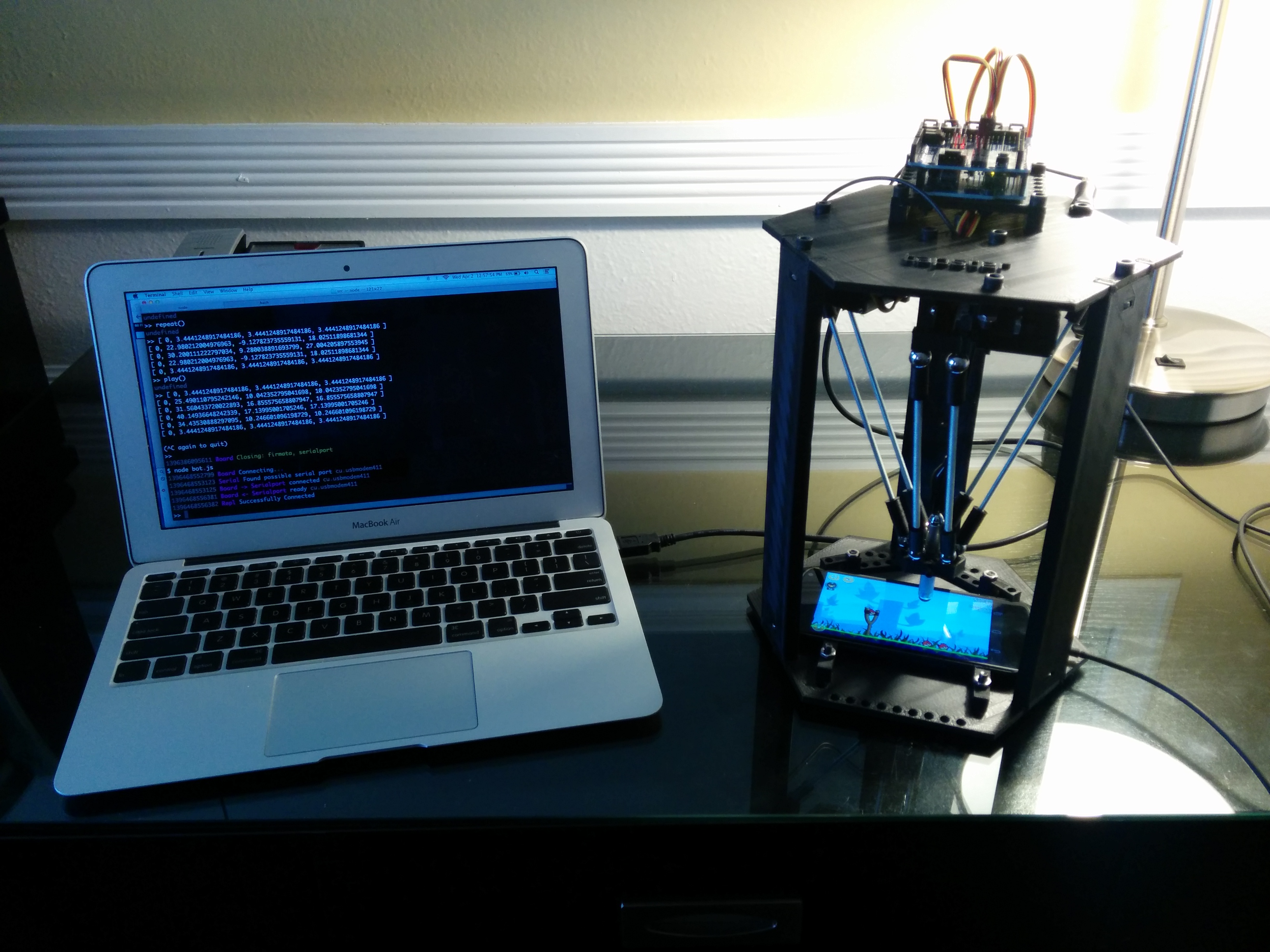
</span>
##Dependencies
- Node.js
- One Tapster robot
##Getting Started
1. Download and install the Arduino Client: [http://arduino.cc/en/Guide/HomePage](http://arduino.cc/en/Guide/HomePage)
2. Follow the setup procedure, and use the "blink" test script to verify your Arduino is working.
3. From the Arduino IDE upload the "Firmata" script: File -> Open -> Examples > Firmata > StandardFirmata
4. Install the dependencies: `cd software; npm install`
5. Start'er up: `node src/bot.js`
6. Start dancing: `dance()`
7. Stop dancing: `chill()`
8. Start moving: `go(0,0,-140)`