Loading files
# PC Simulator for firmware
This project consists of two parts:
- firmware that is built to sharable object (.so)
- python script that loads this sharable object, and acts as a mockup of hardware
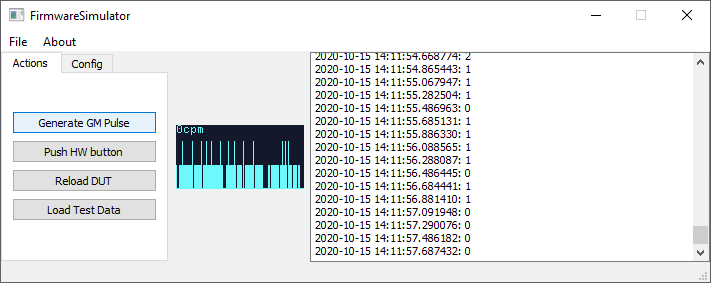
Note that in order to load .so object into an application, both of them needs to be 32bits, or 64bits. In case of errors during loading .so object, check your version on Python and gcc (both should be either 32bits or 64bits).
## Requirements
- Install PyQt5
```pip install PyQt5```
- Install gcc an makefile
## Usage
- Build firmware, in Software/NUCLEO-F091RC directory execute:
```make```
- Start the simulation, in Simulation/FirmwarePCSimulator execute:
```python main.py```c5d310a35This file is pinned to the selected release. Download the original to open it in your design tool.